Categories
TEST-To Update QR/Web Order Menu
1-After update all the details, go to [Dashboard] at the
left side bar.
-Look at [Outlet], which is the red box below shown.
Click on it.

Then click on [Order Platform].

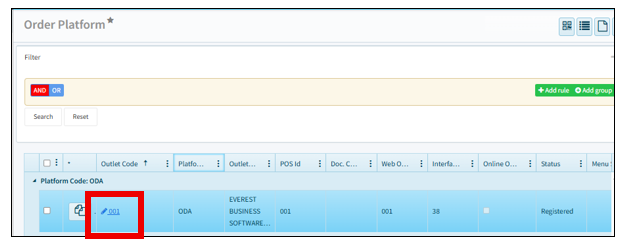
2- This is Order Platform Page. Various platform might have
various outlet. But mostly are the similar function.
Click on the on the outlet code, 001.
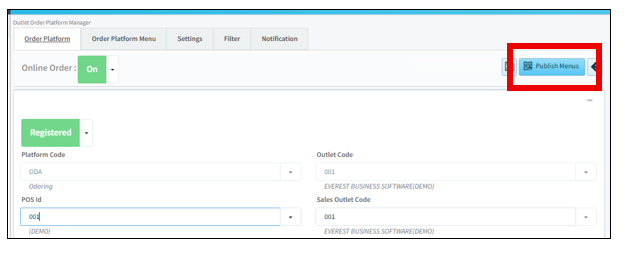
3-After click in, will see this page.
Click on the Publish Menu at the top right, to update the QR/web Menu.
Please wait a moment to let the system update to the site.